
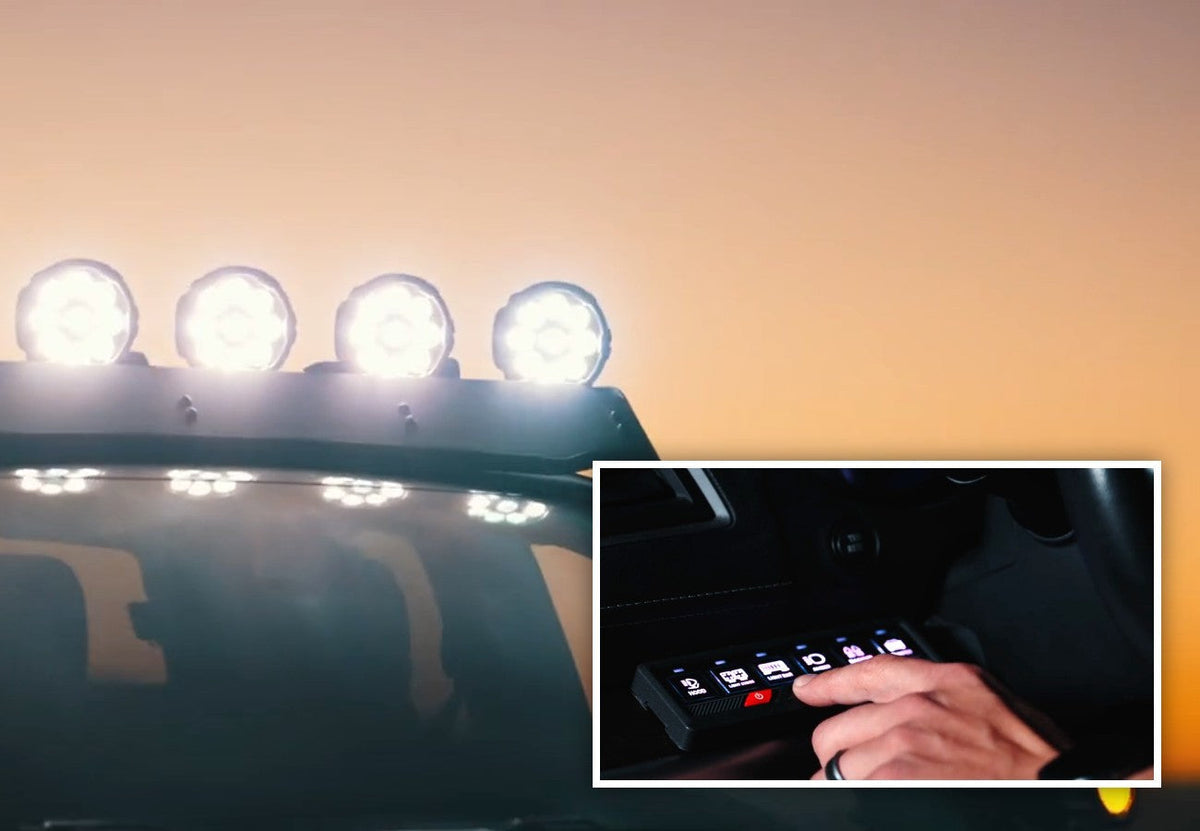
Once you add more than one set of off-road lights, wiring and switches get messy fast. A light bar, ditch lights, rock lights, and a chase light can mean a row of toggle switches and a nest of wires under the dash. The TYPE S Elevate LYNX 6 switch panel and power hub puts six channels on one RGB keypad, and you can also control it from Apple CarPlay, Android Auto, or the TYPE S LED app.

Why Use a Switch Panel for Off-Road Lights?
A switch panel (also called a switch box or 6 gang switch panel) gives every light or accessory its own button and its own power channel. Instead of running separate relays and switches for each light, everything goes through one power hub.
It matters even more with multi-mode lights. Most TYPE S Elevate off-road lights have 3–4 wires, and each wire is a different mode, such as a DOT mode (like clearance or parking light), an SAE J581 auxiliary mode for on-road use, and an Off-Road mode for maximum brightness. A switch panel lets you put each mode on its own button, so you can choose the right mode for where you’re driving.
For example, on the Elevate 20" light bar the wires are black = neutral, red = Off-Road mode, blue = SAE J581 auxiliary mode, and white = DOT mode. Check the instructions for your specific light.

TYPE S Elevate LYNX 6 Switch Panel Features
- 6 independent power channels – Assign a light, a light mode, or an accessory to each button.
- Group multiple wires on one channel – Control the same mode on several lights with one button.
- Multiple control options – Use the keypad, Apple CarPlay, Android Auto, or the TYPE S LED app over Bluetooth.
- Programmable functions – Set each button to Constant On, Momentary On, Flash, or Strobe.
- RGB backlit keypad – Adjust the brightness and choose a solid color or cycle through colors.
- 140 label stickers included – Label every button so you know what it controls.
- Universal 12V – Designed for TYPE S Elevate lights, but works with any 12V lighting brand or accessory.

Control Your Lights from CarPlay, Android Auto, or Your Phone
The LYNX 6 isn’t limited to the keypad. Once it’s paired, you can switch your lights from your vehicle’s Apple CarPlay or Android Auto screen, or from the TYPE S LED app. That’s handy when you want to keep the keypad out of the way, or when you want to turn on camp lighting from outside the vehicle.

Example: A 6-Button Setup with TYPE S Elevate Lights
Here’s one way to set up the six buttons. Your setup will depend on which lights you install.
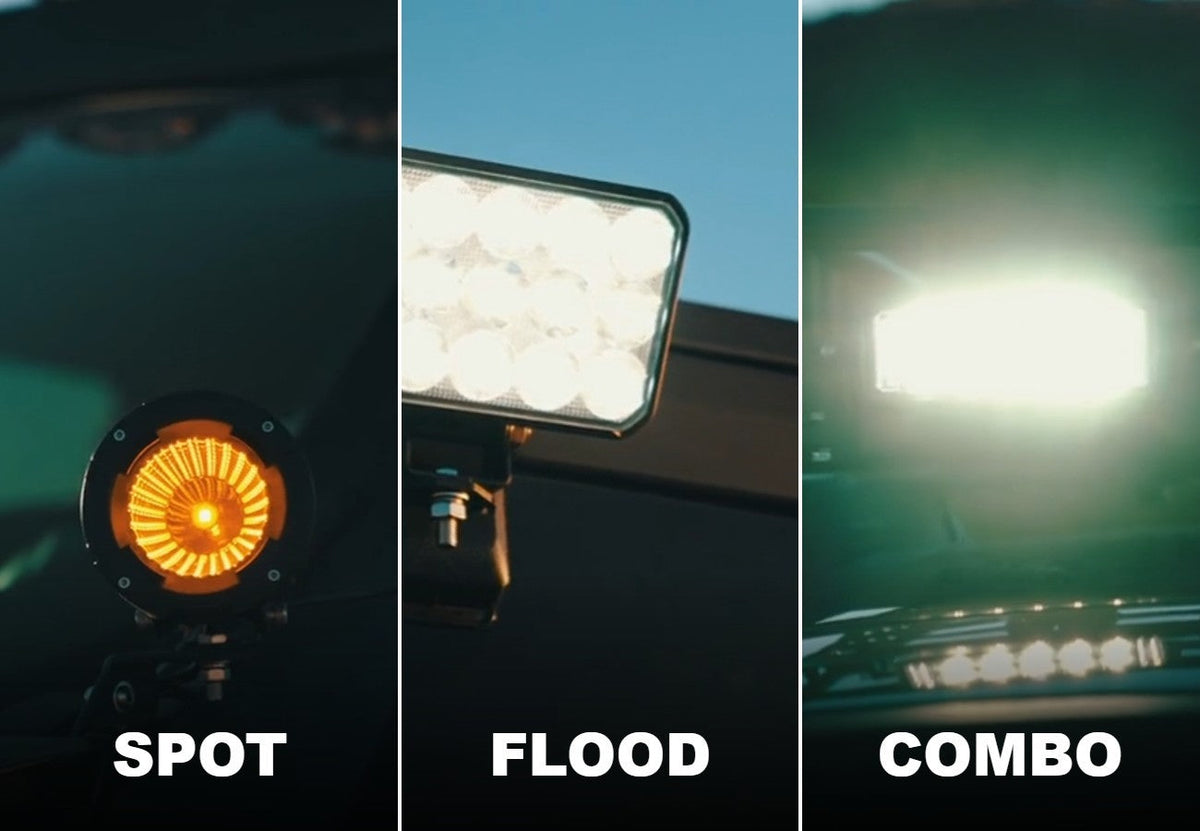
- Light bar – Off-Road mode – Full brightness for the trail, like the Elevate 20" Spot + Flood Combo Light Bar.
- Light bar – amber DOT mode – The bar’s amber accent light.
- Ditch lights – SAE auxiliary mode – On-road beam from pods like the Elevate 3" Combo Cube Pod Light Set.
- Ditch lights – Off-Road mode – Full brightness from the same pods, grouped on one button.
- Chase light – The Elevate LED Chase Light on the rear.
- Work light or accessory – A rear Elevate Flood Work Light or any other 12V accessory.
Use the included label stickers to mark each button.

How to Wire Off-Road Lights to a Switch Panel
Always follow the LYNX 6 instructions for your exact installation. Here’s an overview of the process:
- Plan your buttons – Decide which light or mode goes on each of the six channels.
- Disconnect the battery – Work with the negative terminal disconnected.
- Mount the power hub – Choose a secure spot in the engine bay, away from heat and moving parts.
- Connect power – Connect the power hub to the battery as shown in the instructions, including the circuit breaker.
- Connect your lights – Run each light wire to its channel. Group wires on one channel to control one mode across several lights.
- Route the keypad cable – Run it into the cab and mount the keypad where you can reach it.
- Reconnect and test – Reconnect the battery, test each button, then pair the app, CarPlay, or Android Auto.
If you’re not comfortable with 12V wiring, have a professional do the installation.
Watch: How to Install the TYPE S Elevate LYNX 6
Only Have One Pair of Lights? Try the 2-Light Wiring Harness
If you only need to run one pair of Elevate lights, the TYPE S Elevate 2-Light Output Wiring Harness is a simpler option. It controls up to two lights, switches between two light modes with a wireless remote or an in-line button, has an optional strobe mode, and includes a 15A in-line fuse. When you add more lights later, the LYNX 6 can take over.
Where to Buy
Find the TYPE S Elevate LYNX 6 Switch Panel & Power Hub at Walmart.com, and at select Walmart stores in or near the Auto Care Center.
LYNX 6 Switch Panel FAQ
Does the LYNX 6 work with other brands of lights?
Yes. It’s designed for TYPE S Elevate lights, but it works with any 12V lighting brand or accessory.
Does the LYNX 6 work with Apple CarPlay and Android Auto?
Yes. You can control your lights from Apple CarPlay, Android Auto, the TYPE S LED app, or the keypad.
How many lights can I control with a 6 gang switch panel?
The LYNX 6 has six channels, and you can group multiple wires on one channel. That means one button can control the same mode on several lights.
What modes can each button use?
Constant On, Momentary On, Flash, or Strobe.
What comes with the LYNX 6?
The switch panel, the power hub, and 140 label stickers for the buttons. See the Walmart listing for the full contents.
Can I use strobe or Off-Road modes on the street?
Off-Road mode and strobe effects are for off-road use. On public roads, use only the DOT or SAE modes as allowed by your local laws.
Conclusion
The TYPE S Elevate LYNX 6 gives you one clean place to control every light on your rig: six channels, an RGB keypad, programmable modes, and control from CarPlay, Android Auto, or your phone. It’s the easiest way to manage the DOT, SAE, and Off-Road modes of your TYPE S Elevate lights.


Leave a comment
This site is protected by hCaptcha and the hCaptcha Privacy Policy and Terms of Service apply.