
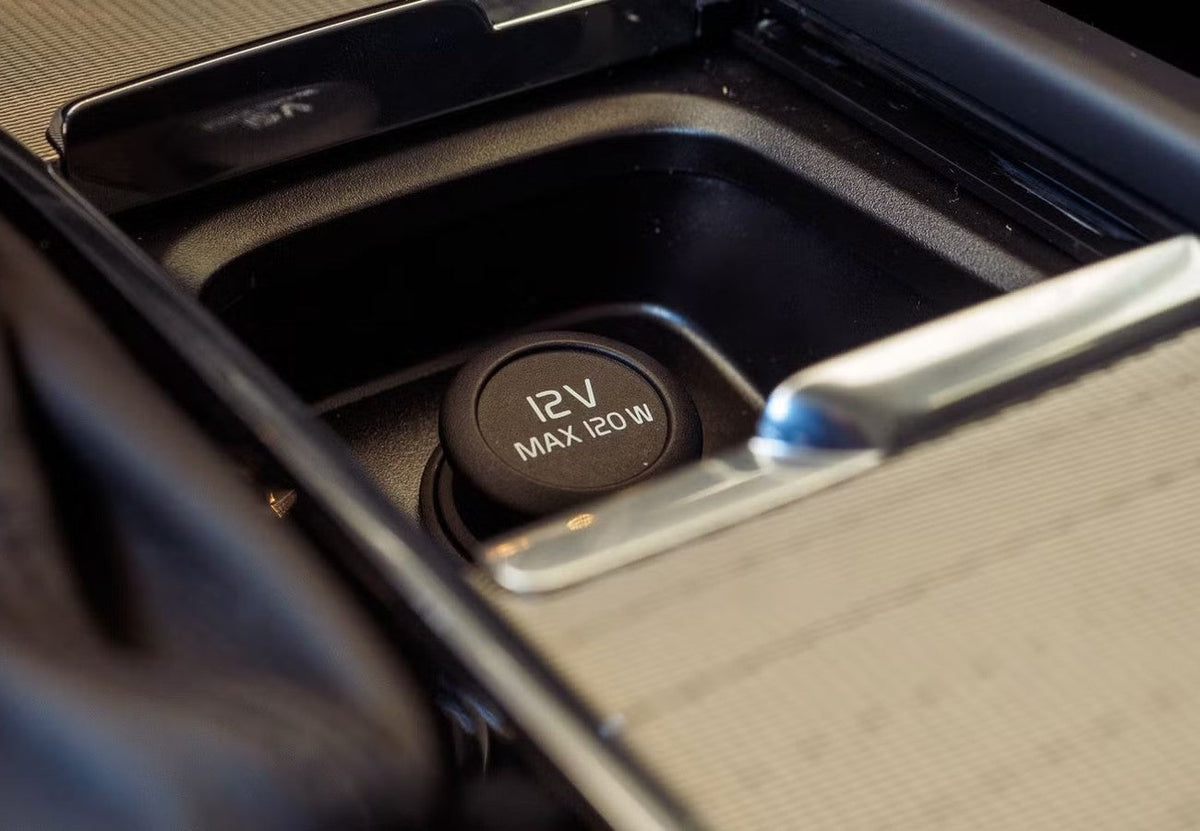
Can You Plug a Dash Cam Into Your Car’s USB Port?
Most cars today have built-in USB ports, so it’s tempting to plug your dash cam straight into one. But there’s a reason most dash cams come with a 12V power adapter (the plug that goes into your car’s cigarette lighter socket). Not all car USB ports provide the same amount of power, and a dash cam that doesn’t get enough steady power can shut off, restart, or miss the exact moment you need on video.
In this guide, we’ll answer whether you can plug a dash cam into a USB port, explain the best way to power a dash cam, what can go wrong with a USB-A port, and how to make sure your dash cam records reliably every time you drive.
12V Outlet vs. USB Port for Dash Cams
1. Car USB Ports Aren’t All the Same

Built-in USB-A ports vary a lot from one vehicle to the next. Many were designed for connecting your phone to the infotainment system or for light charging, not for running a camera nonstop. Depending on the vehicle, a USB port may:
- Supply less current than your dash cam needs.
- Deliver power that dips when other devices are plugged in.
- Turn on a few seconds after the engine starts, or shut off at different times than the 12V outlet.
That’s fine for topping up a phone, but a dash cam needs consistent, uninterrupted power to keep recording.
2. Modern Dash Cams Need More Power

Today’s dash cams do a lot more than record a single video stream. Features that increase power demand include:
- 4K recording – Higher resolution means more processing power.
- Multiple cameras – Dual-view and front + rear setups power two or more cameras at once.
- GPS – Logs your speed and location in real time.
- Wi-Fi – Lets you view and download clips on your phone.
- Infrared night vision and AI driver assistance – Extra hardware that draws extra power.
The more features your dash cam has, the more likely a weak USB port won’t keep up.
3. What Happens When a Dash Cam Doesn’t Get Enough Power?
Insufficient power can cause problems that are easy to miss until you actually need your footage:
- Unexpected shutdowns or restarts while driving
- Gaps or interrupted recordings
- Rear or cabin camera disconnecting
- Corrupted video files or memory card errors
- Wi-Fi or GPS dropping out
Even with loop recording and a G-sensor turned on, a dash cam can’t save footage it never recorded.
4. Why the 12V Adapter Works Better

The 12V adapter included with your dash cam converts your vehicle’s power into the correct, stable output your dash cam needs. Because it’s matched to the camera, it:
- Provides enough current for all of the dash cam’s features.
- Keeps power steady while you drive.
- Works the same way across a wide range of vehicles, so you don’t have to guess whether your car’s USB port is strong enough.
For best results, use the adapter and cable that came with your dash cam rather than a random phone charger or thin USB cable.
5. Other Ways to Power Your Dash Cam

- Hardwiring kit – Connects directly to your fuse box for a clean, hidden install and enables parking surveillance. A TYPE S hardwiring kit also protects your car battery with low-voltage cutoff.
- 12V adapter with extra ports – Some adapters, like the TYPE S 140W 3-in-1 USB Car Charger, include additional ports so you can charge your phone and power your dash cam at the same time. Learn how fast charging works in our guide to Power Delivery (PD).

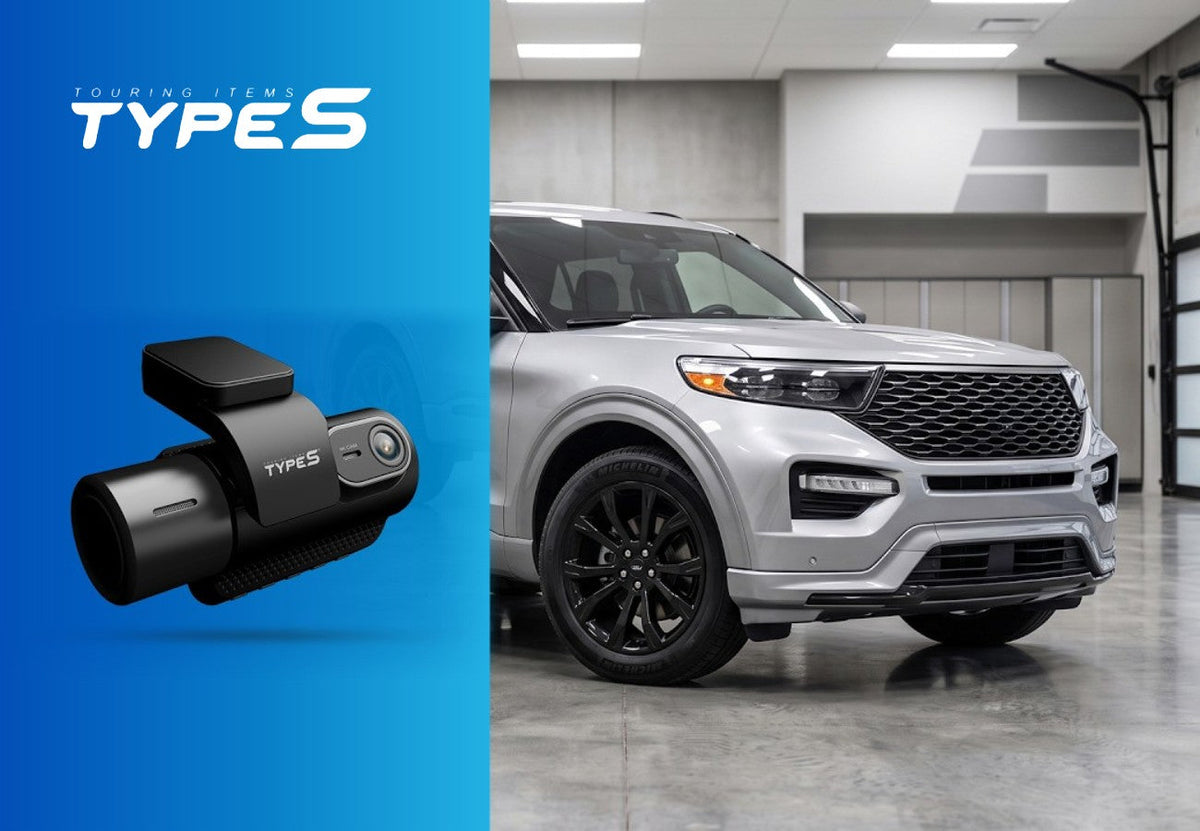
Tip for Ford owners and others: In some vehicles, the 12V outlet stays powered for a while after you turn the car off, or all the time. Check your owner’s manual, and unplug the dash cam when you’re not driving if the outlet stays on. See our Ford Explorer install guide for an example.
Dash Cam Power FAQ
Can I plug my dash cam into my car’s USB port?
Sometimes, but it isn’t recommended. Many car USB ports don’t supply enough steady power for a dash cam, especially 4K, dual-camera, GPS, or Wi-Fi models. Use the included 12V adapter for reliable recording.
Why does my dash cam keep turning off and on while driving?
The most common cause is not enough power. Try the 12V adapter and cable that came with your dash cam instead of a USB port or a third-party charger.
Is the 12V outlet the same as the cigarette lighter?
Yes. Most modern cars call it a 12V power outlet or accessory socket, but it’s the same round socket that used to hold a cigarette lighter.
What is the best way to power a dash cam?
For everyday driving, use the 12V adapter that came with your dash cam. For parking mode, use a hardwiring kit connected to your fuse box. It powers the dash cam while the car is off and shuts it down before your battery runs low.
Conclusion
USB ports may seem more convenient, but the included 12V adapter is the most reliable way to power a dash cam. It makes sure your camera gets the power it needs for 4K video, multiple cameras, GPS, and Wi-Fi, so it’s recording when it matters most. For a hidden install and parking protection, step up to a hardwiring kit.
Ready to install? Follow our step-by-step guides for the Ford Explorer, Honda CR-V, Toyota RAV4, and Nissan Rogue.
If you prefer learning through a video, here you go!

Leave a comment
This site is protected by hCaptcha and the hCaptcha Privacy Policy and Terms of Service apply.