
What Does Motion Detection Do on a Dash Cam?
Motion detection is one of the most misunderstood dash cam settings. Many drivers turn it on thinking it adds extra protection on the road, but dash cam motion detection isn’t meant to be used while you’re driving. It’s designed for a parked or stationary vehicle.
In this guide, we’ll explain what motion detection does on a dash cam, how it works, when you should use it, and why you should usually turn it off for everyday driving.
Dash Cam Motion Detection Explained
1. What Is Motion Detection on a Dash Cam?

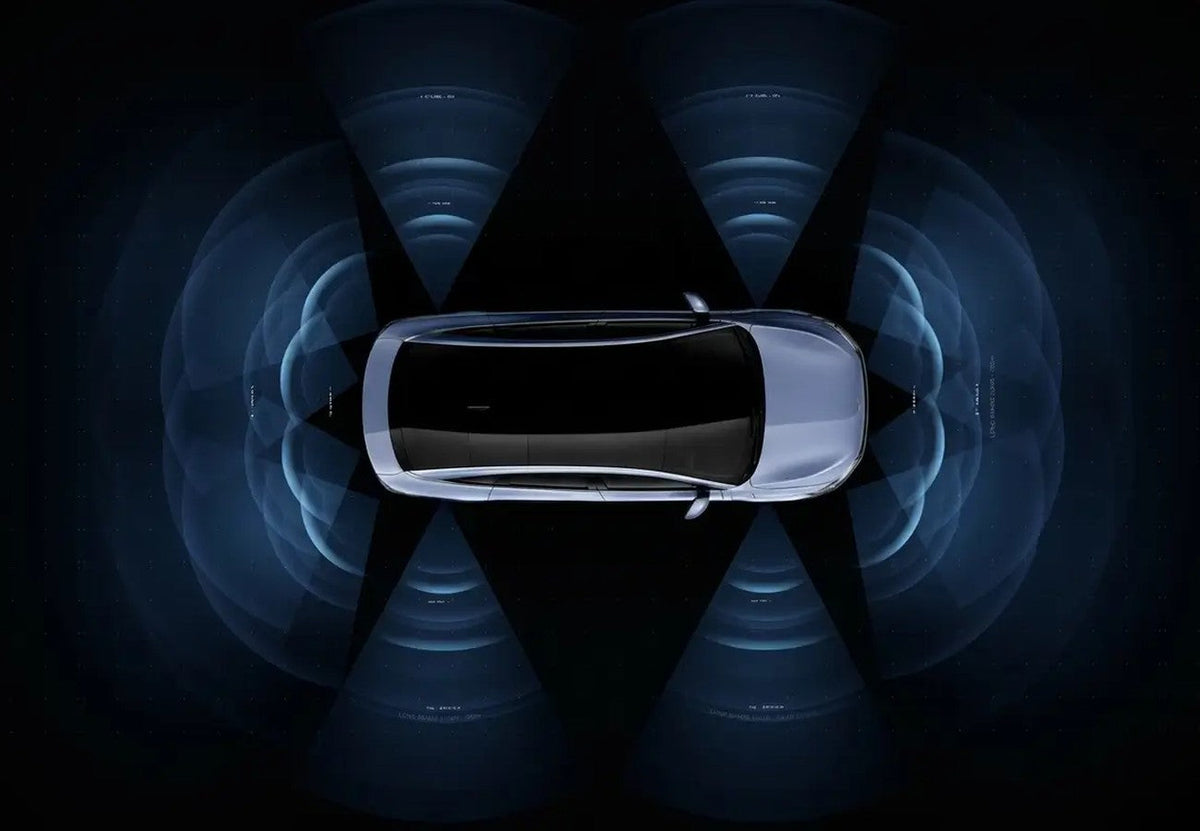
Motion detection tells your dash cam to start recording when it sees movement in its field of view. Instead of recording continuously, the camera watches the scene and saves a clip only when something moves in front of it, such as a person walking up to your car or another vehicle pulling into the next space.
2. How Does Motion Detection Work on a Dash Cam?
- The camera compares each frame of video with the one before it.
- When enough of the image changes, the dash cam treats it as motion.
- It records a short clip of the event, then goes back to watching.
Because it only records when something happens, motion detection can save memory card space and make it easier to find important events while your car is parked.
3. Should Motion Detection Be On or Off While Driving?

When you’re driving, your entire view is moving. Cars, pedestrians, trees, road signs, and even the road itself can continuously trigger the camera. With motion detection on while driving:
- The dash cam may trigger over and over again.
- It can affect how footage is captured and organized on your memory card.
- Finding the clip you actually need becomes harder.
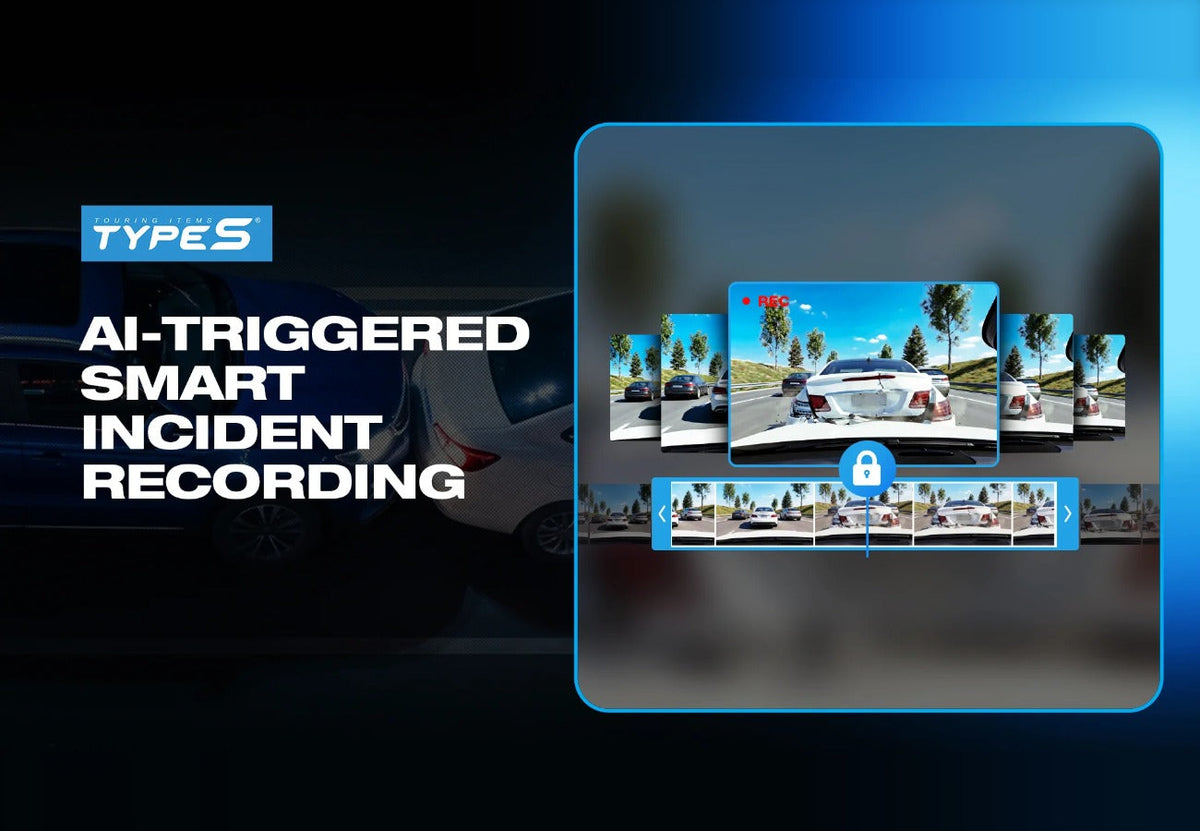
For everyday driving, leave motion detection off and let normal loop recording do its job. Loop recording captures everything continuously and automatically overwrites the oldest files when the card is full, while the G-sensor locks footage if there’s an impact.
4. When to Use Motion Detection: Parking Mode

Motion detection is useful for monitoring a parked or stationary vehicle, for example:
- Parked overnight on the street or in a driveway
- In a busy shopping center or office parking lot
- While you wait in your car with the engine off
To record while your car is off, your dash cam needs power. That usually means hardwiring the dash cam to your fuse box with a hardwiring kit, which also protects your battery. Learn more in how parking surveillance works on dash cams and how to monitor your parked car.
5. Motion Detection vs. G-Sensor in Parking Mode

- Motion detection – Starts recording when something moves in front of the camera, like a person walking up to your car.
- G-sensor – Detects physical impacts, like a collision or someone bumping your car, and locks that footage.
With Park & Record, your dash cam can use motion detection, G-sensor impact detection, or both to decide when to record while your car is parked. While you drive, loop recording and the G-sensor take care of the rest.
6. Tips for Getting the Most Out of Motion Detection
- Adjust the sensitivity – Lower it if trees, rain, or passing headlights cause too many false triggers.
- Park facing the action – Point the front camera toward the area where people and cars are most likely to pass.
- Check night performance – Cameras with good low-light or infrared night vision capture clearer events after dark.
- Turn it off before you drive – If your dash cam doesn’t switch modes automatically, disable motion detection when you head out.
Dash Cam Motion Detection FAQ
Should motion detection be on or off on a dash cam?
Off while driving. Turn it on only when you want to monitor your parked vehicle and your dash cam has power while the car is off.
Does a dash cam record when the car is off?
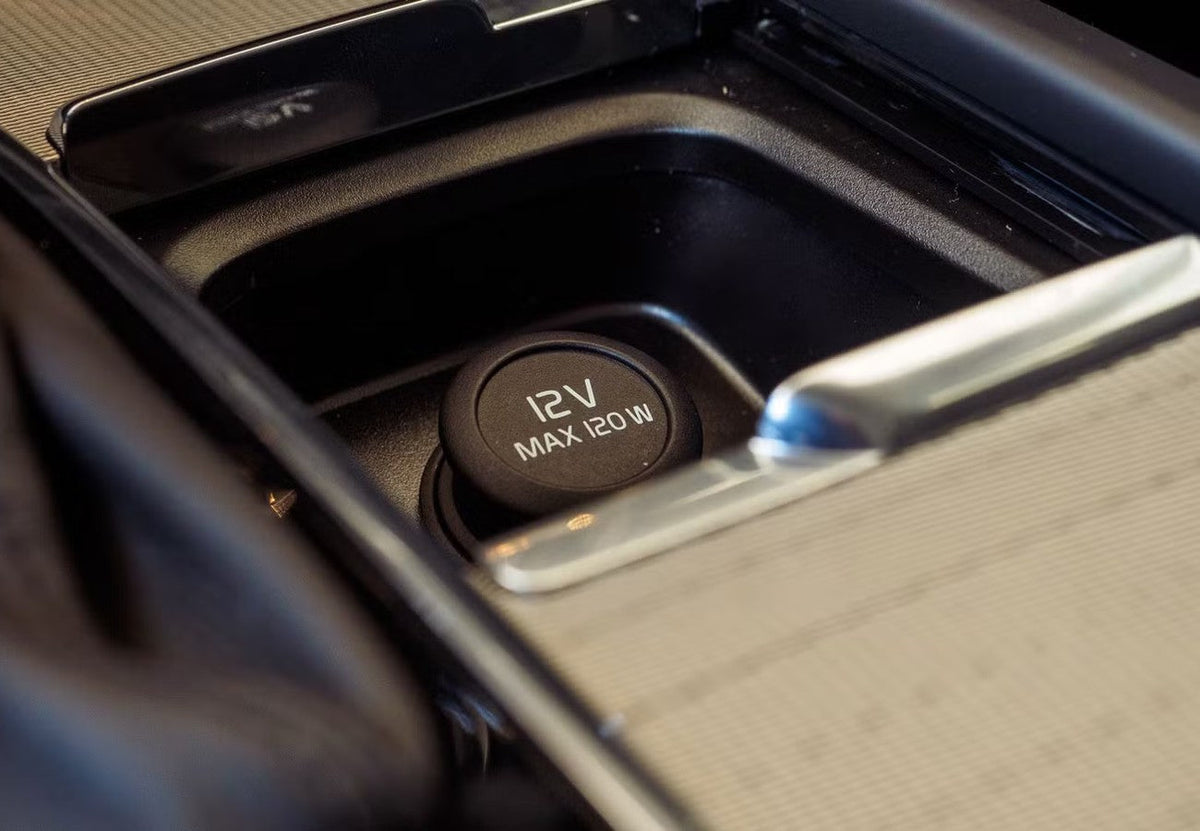
Only if the dash cam still has power, usually through a hardwiring kit or a 12V outlet that stays on. Without power, the dash cam can’t detect or record anything.
Does motion detection drain the car battery?
It can if the dash cam runs for a long time with the engine off. A hardwiring kit with low-voltage protection shuts the dash cam off before the battery gets too low.
What’s the difference between motion detection and parking mode?
Parking mode is the overall setting for recording while parked. Motion detection is one way parking mode can decide when to record; other options include impact detection with the G-sensor.
Conclusion
Dash cam motion detection is a great tool for keeping an eye on your parked car, but it isn’t built for driving. On the road, constant movement can trigger it nonstop and get in the way of normal recording. Keep motion detection off while you drive, rely on loop recording and the G-sensor, and use motion detection with a hardwired parking setup when your car is parked.
Setting up a new dash cam? Learn why you should power it with the 12V outlet instead of a USB port, and follow our install guides for the Honda CR-V, Toyota RAV4, and Ford Explorer.
If you prefer learning through a video, here you go!

Leave a comment
This site is protected by hCaptcha and the hCaptcha Privacy Policy and Terms of Service apply.